
New Member? Get The World Service On Your Pod App Now
Q. Is this going to be really complicated?
A. Nope, not at all.
Now that our q & a session is finished, here’s how you do it:
1. As soon as you’ve joined up to the World Service on patreon (and thank you again), click on your Membership tab.
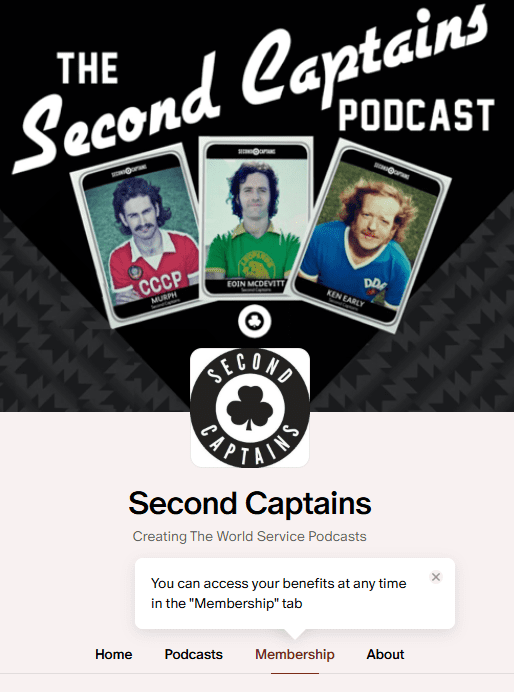
2. Scroll down to the “Listen in other podcast apps” section.
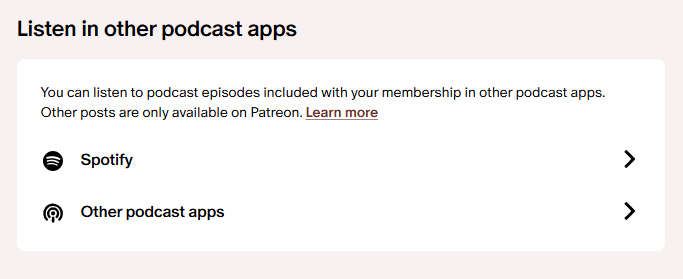
3. Select either Spotify or Other podcast apps. A pop-up will appear.
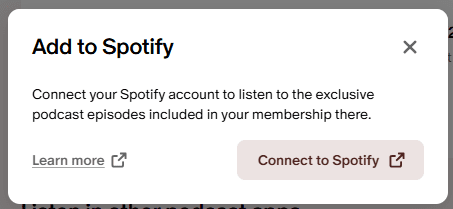
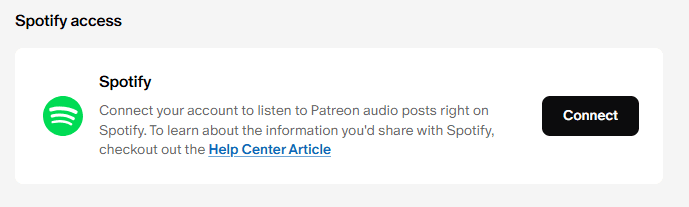
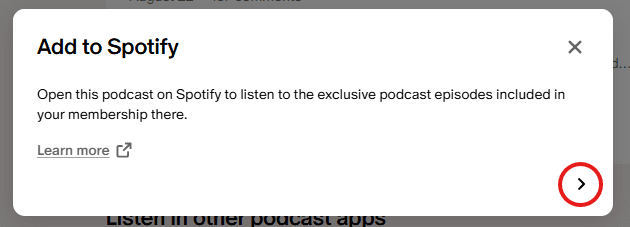
4a. If you selected Spotify, click the “Connect to Spotify” button (if you’ve not yet connected your Spotify account to Patreon) or “Open” button (if you’ve already taken this action) to listen to your exclusive RSS feed on your Spotify account.
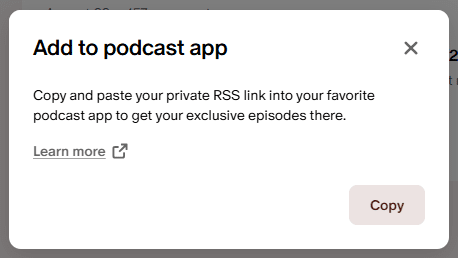
4b. If you choose to listen on Other podcast apps, click on the Copy button to get the RSS link to your clipboard. Then, paste the link into your podcast app or RSS app of choice – most apps will have the option to subscribe to a private RSS.